
Training splits
Ten ready-made training splits, or build your own
A split is the plan behind your week: which muscles on which days. IronBuddy comes with ten presets, from a three-day Full Body to a six-day Arnold split, each with exercises, rep ranges and rest times. Filter them by days a week and level, make one active, edit any day, or start from scratch with your own.
Last updated

7-day free trial, then €6.99 once · No subscription
The ten presets
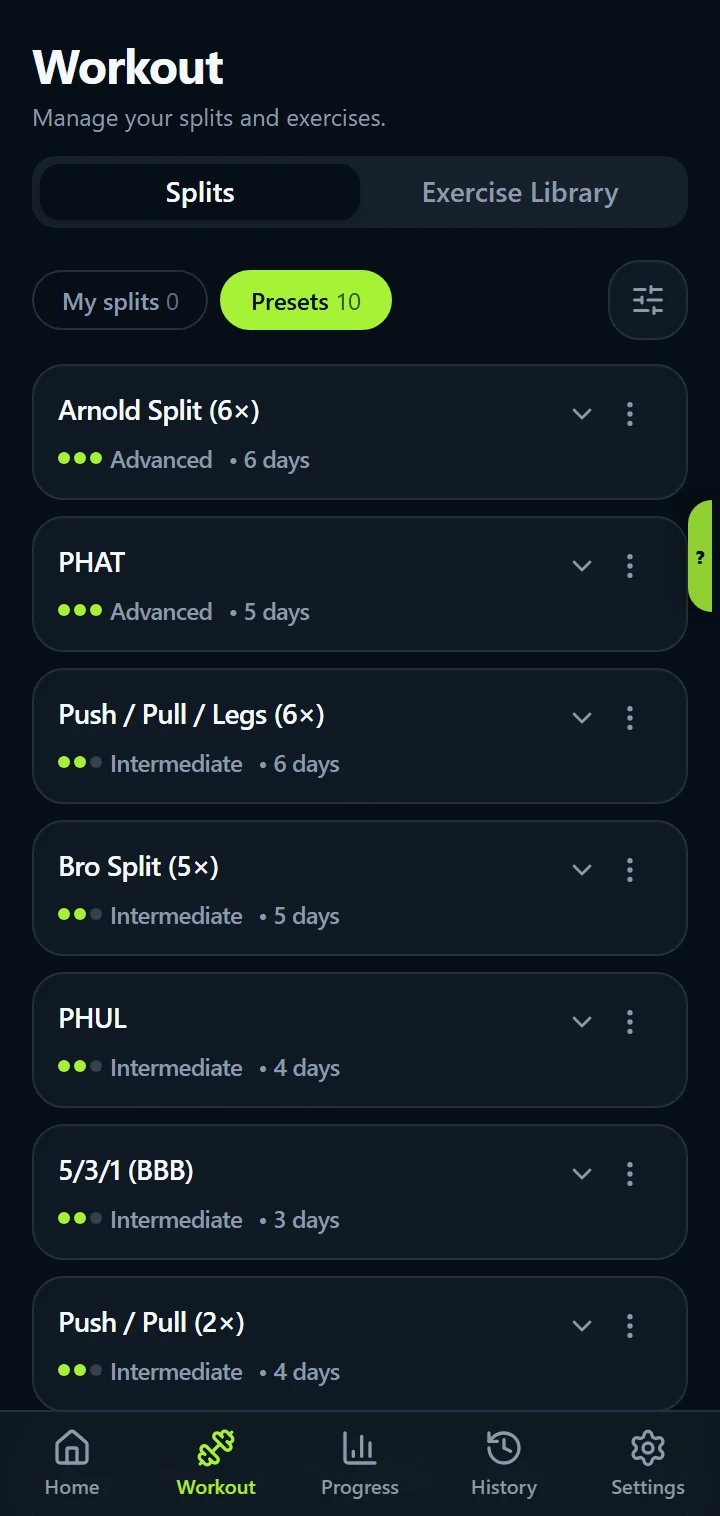
Every preset is written with machines and dumbbells, in the 10–15 rep range for most work. Each exercise carries its rep range and rest time as a note, such as “10–12 reps · Rest 2:00”, so the plan is on the day itself. Each one shows its level, Beginner, Intermediate or Advanced, taken from published program guides, and the list runs from Advanced to Beginner.
| Split | Days a week | Level |
|---|---|---|
| Arnold Split (6×) | 6 days | Advanced |
| PHAT | 5 days | Advanced |
| Push / Pull / Legs (6×) | 6 days | Intermediate |
| Bro Split (5×) | 5 days | Intermediate |
| PHUL | 4 days | Intermediate |
| 5/3/1 (BBB) | 3 days | Intermediate |
| Push / Pull (2×) | 4 days | Intermediate |
| Push / Pull / Legs (3×) | 3 days | Beginner |
| Full Body 3× | 3 days | Beginner |
| Upper / Lower | 4 days | Beginner |
Find the right one: days, style, level
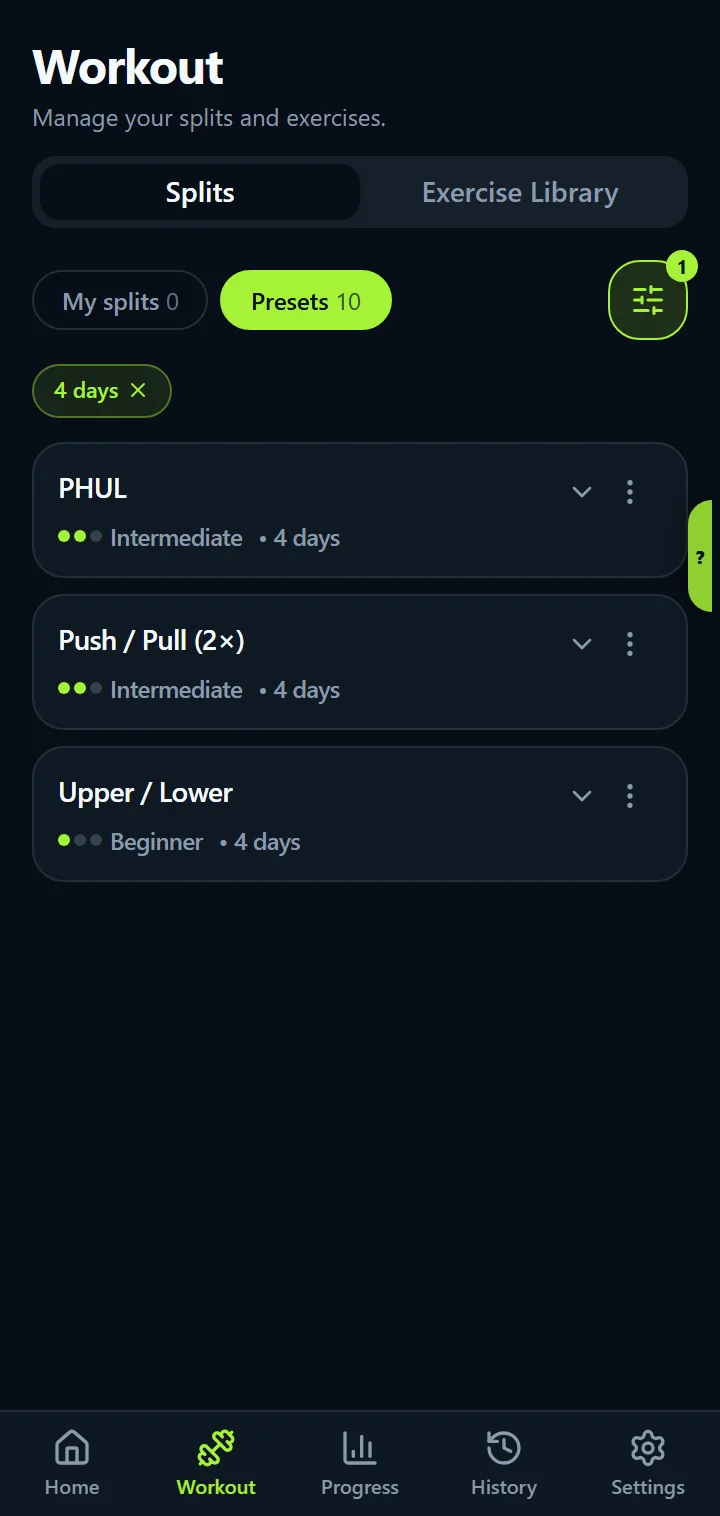
The Splits tab has two lists: My splits (your own and your edited copies of presets) and Presets. Filter the presets by days a week, style (Push/Pull/Legs, Upper/Lower, full body, body-part) and level, and the button tells you how many match before you apply it. Tap a day to see its exercises, sets and notes.
Running PPL? Read how to plan and track a Push Pull Legs split.
Your split on your week
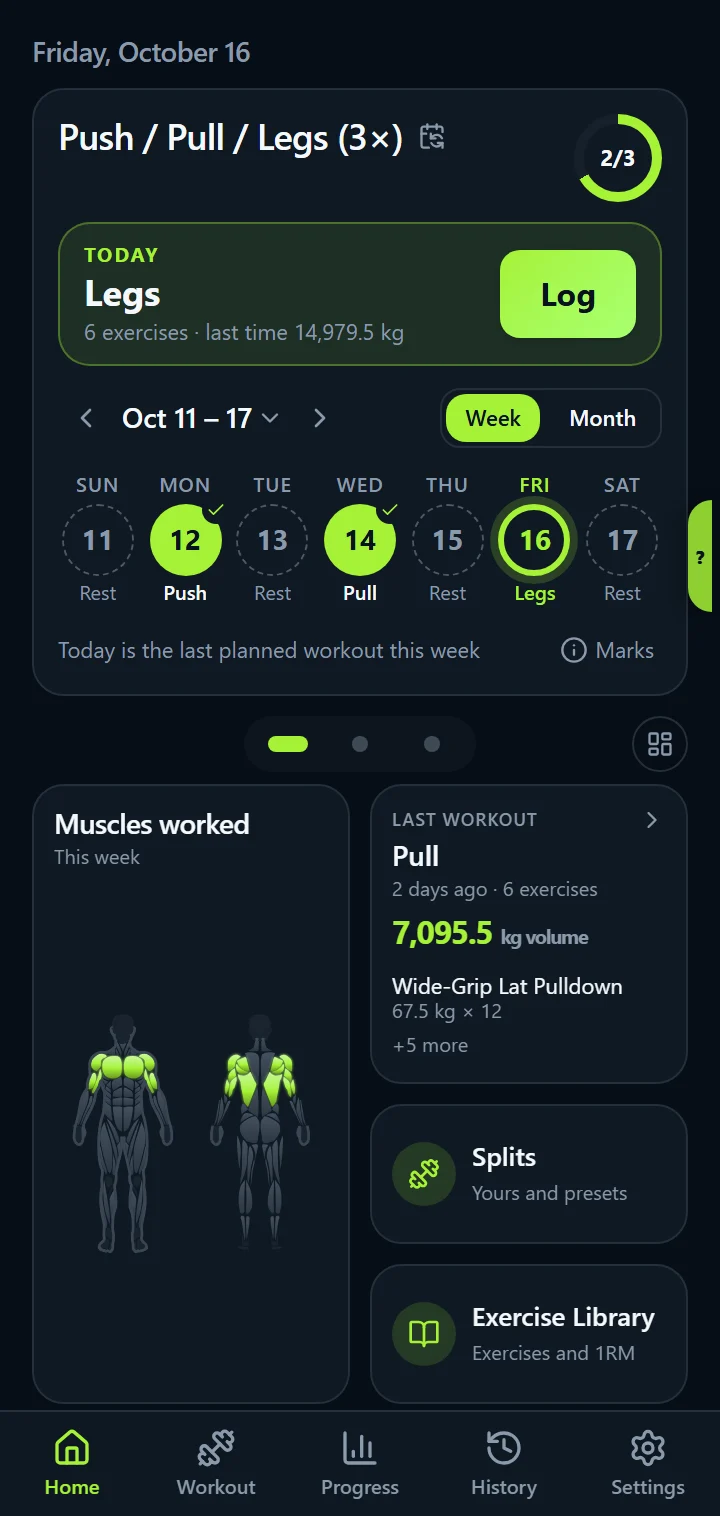
Home shows the week with each day's status: logged, partly logged or missed, and a missed workout can move to the next free day in one tap. Edit Week maps your split days to weekdays for every week to come; Change Day swaps one date for another split day, a custom day or a rest day. Every workout counts toward the week, planned or not, so a 3-day split trained four times reads “4 of 4”.
Build your own split
- New split: name it, pick the number of days, and make it active if you like. Add exercises to each day from the library, with sets, reps, weight and notes.
- From a preset: edit any day of a preset and you get your own copy to change freely.
- Per day: drag exercises into the order you train them, add set techniques, write a day note that shows every time the day comes up.
- When you log: “Also update my plan” decides whether a change applies to that date only or to the same day in later weeks. See logging and set techniques.
- Share it: a PDF of your active split from Settings, in any version.
A guide to each preset
Each preset has a guide that explains the split, lists every day with its exercises, shows ways to lay out the week and how to track it in IronBuddy.
Training split questions
Can I change a preset split?
Yes. Editing any day of a preset creates your own editable copy under My splits, marked "From preset", and the original stays in Presets. Change exercises, sets and notes, add or remove days, and make it active.
How do I put the split on my week?
Edit Week maps each split day to a weekday, with rest days in between; it changes every week from then on. Change Day swaps a single date for another split day, a custom day or a rest day without touching the schedule.
Can I print my split?
Yes. Settings → Split plan PDF saves or shares a PDF of your active split with every day's exercises and sets. That works in the trial and the full version.
Get IronBuddy on Google Play
Free to download with a 7-day free trial. After the trial, pay €6.99 once to keep it all unlocked. No account, no ads, no subscription.