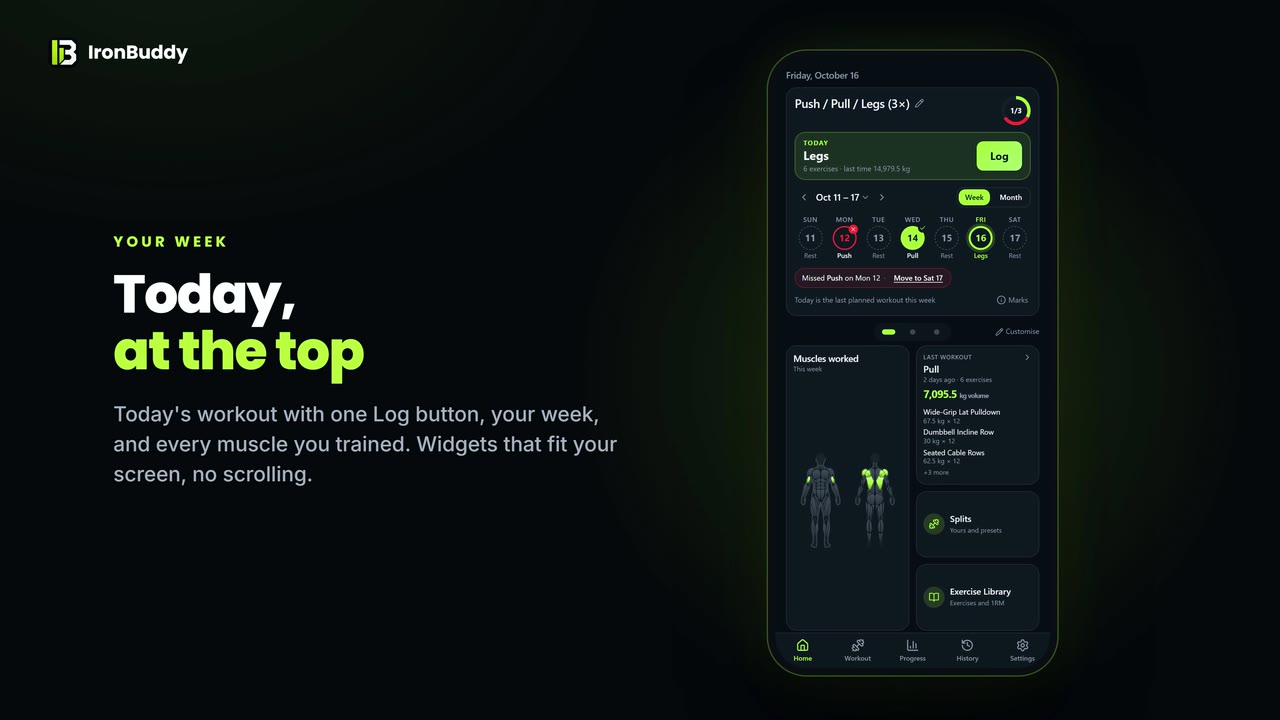
Workout Log
Sets, reps, weight and notes for every workout.

Track progressive overload offline. Pay once, no subscription.
Features
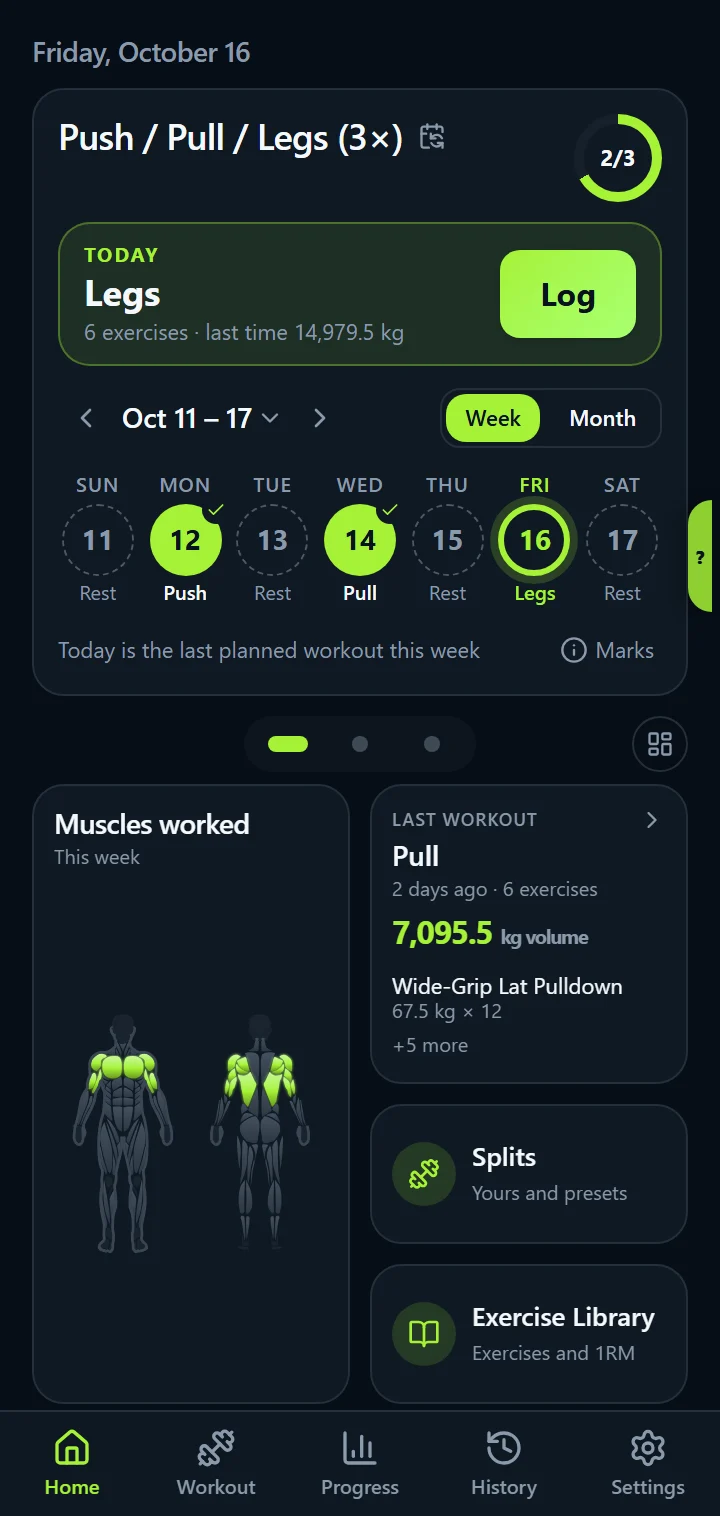
IronBuddy is a workout tracker built around logging, programming, progress, and privacy, all working offline with no account.
Screenshots
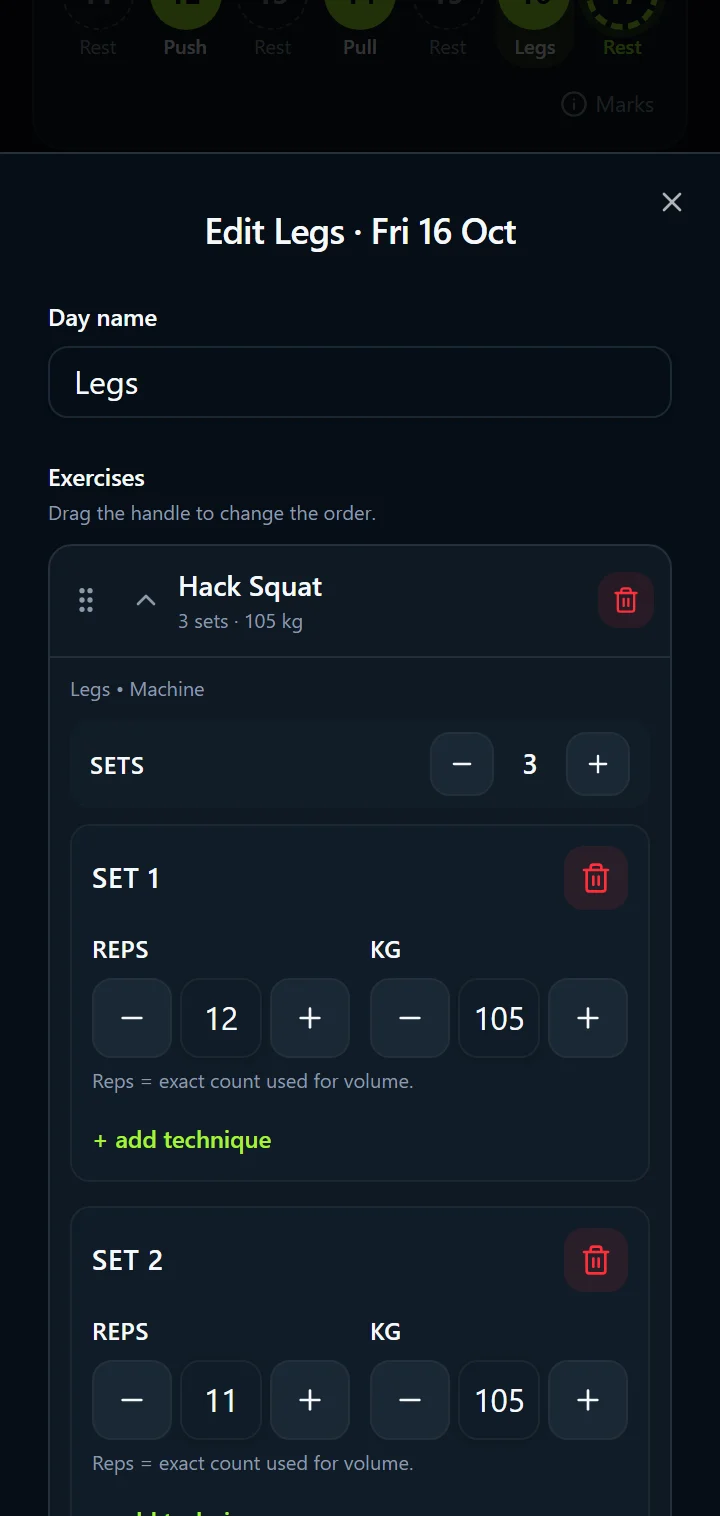
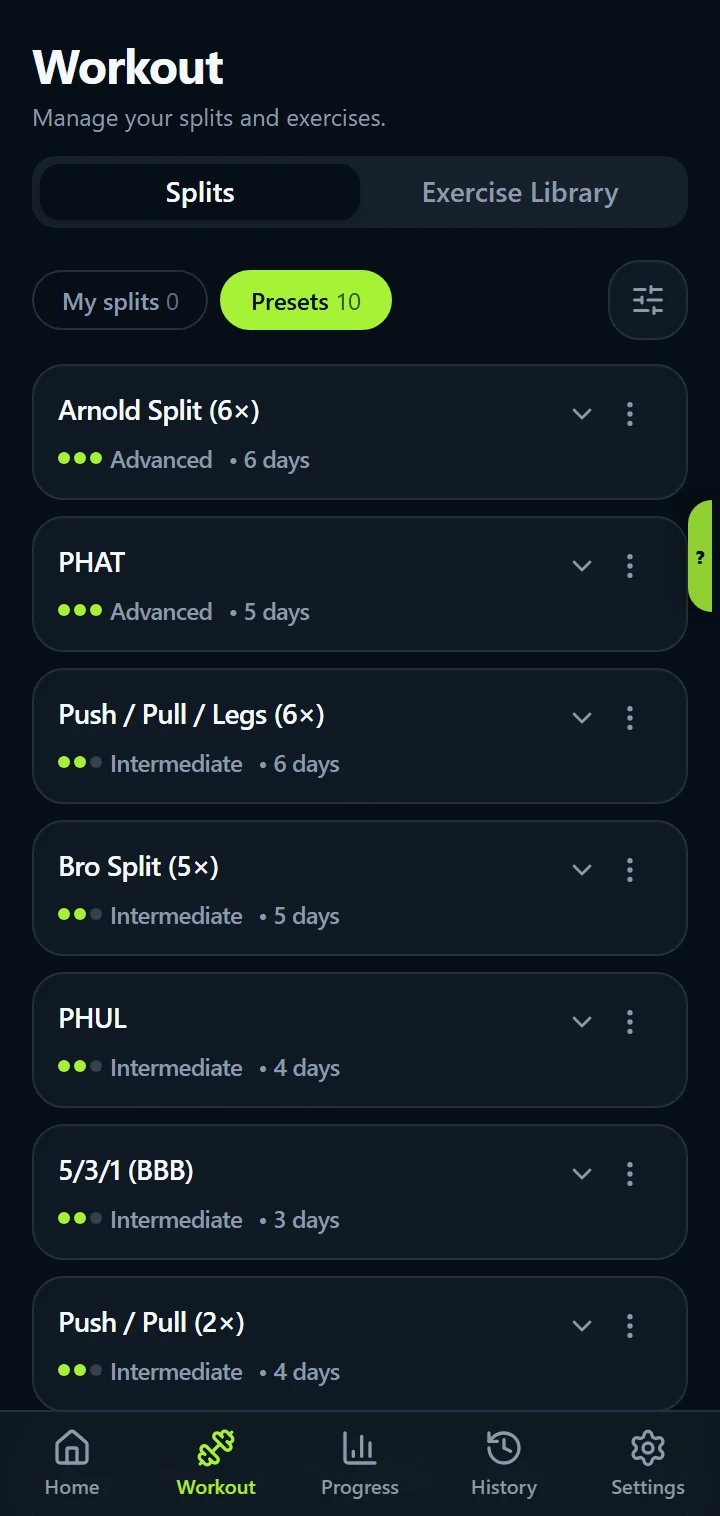
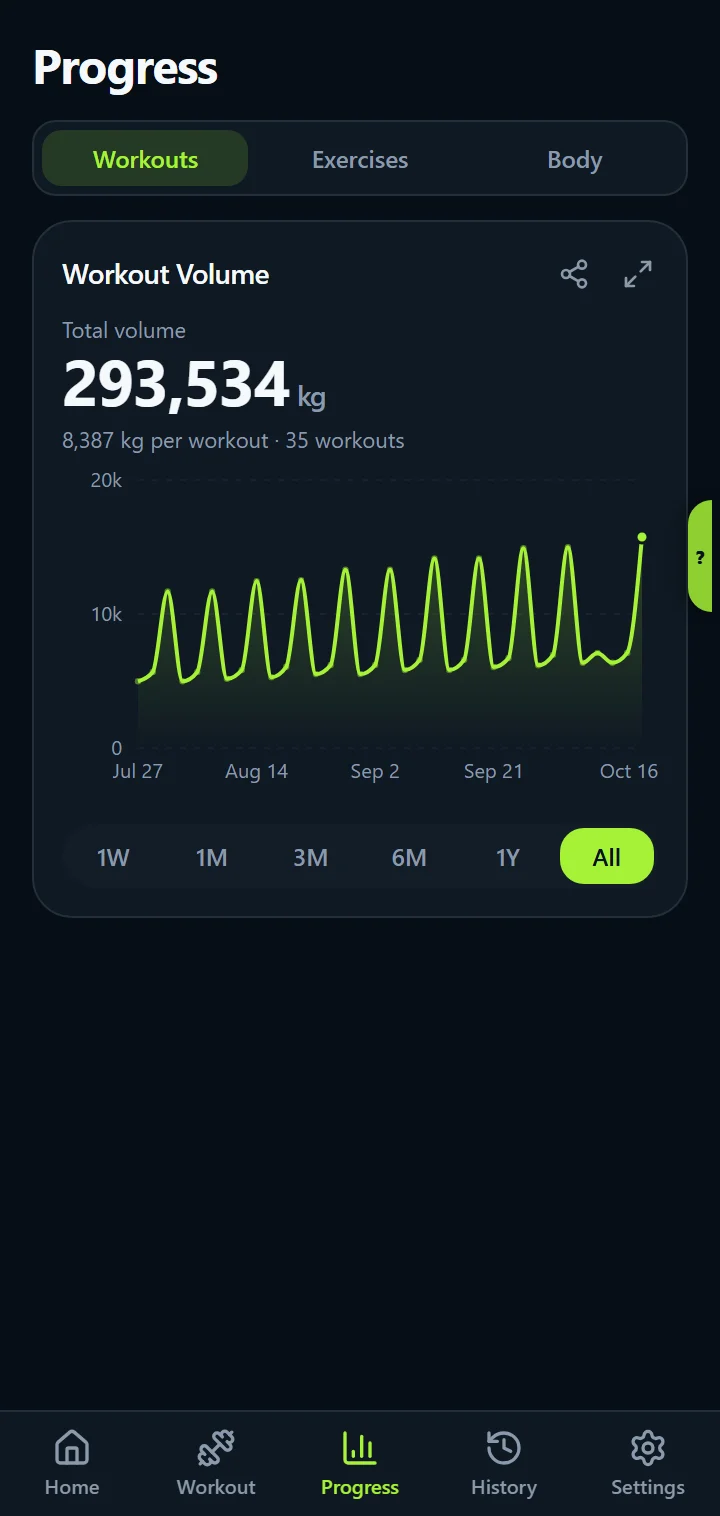
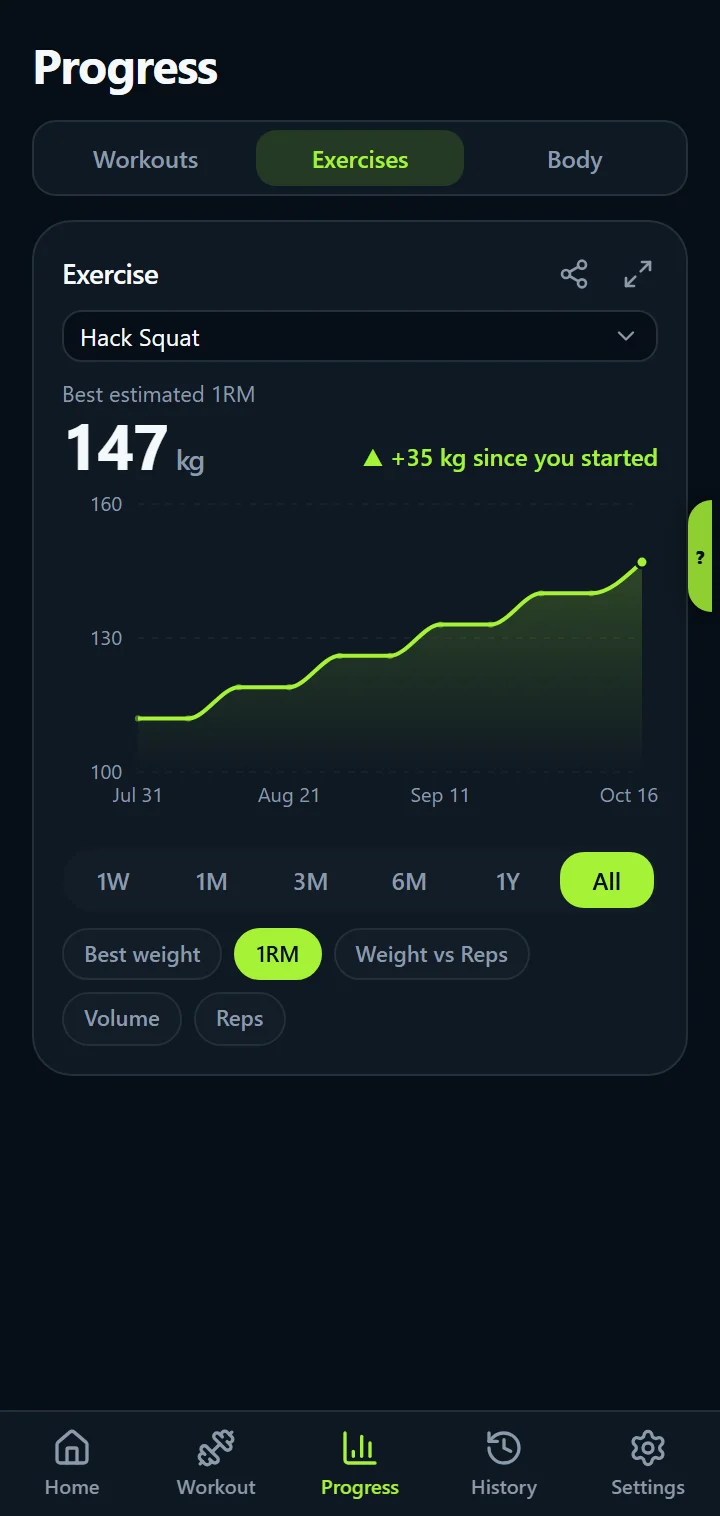
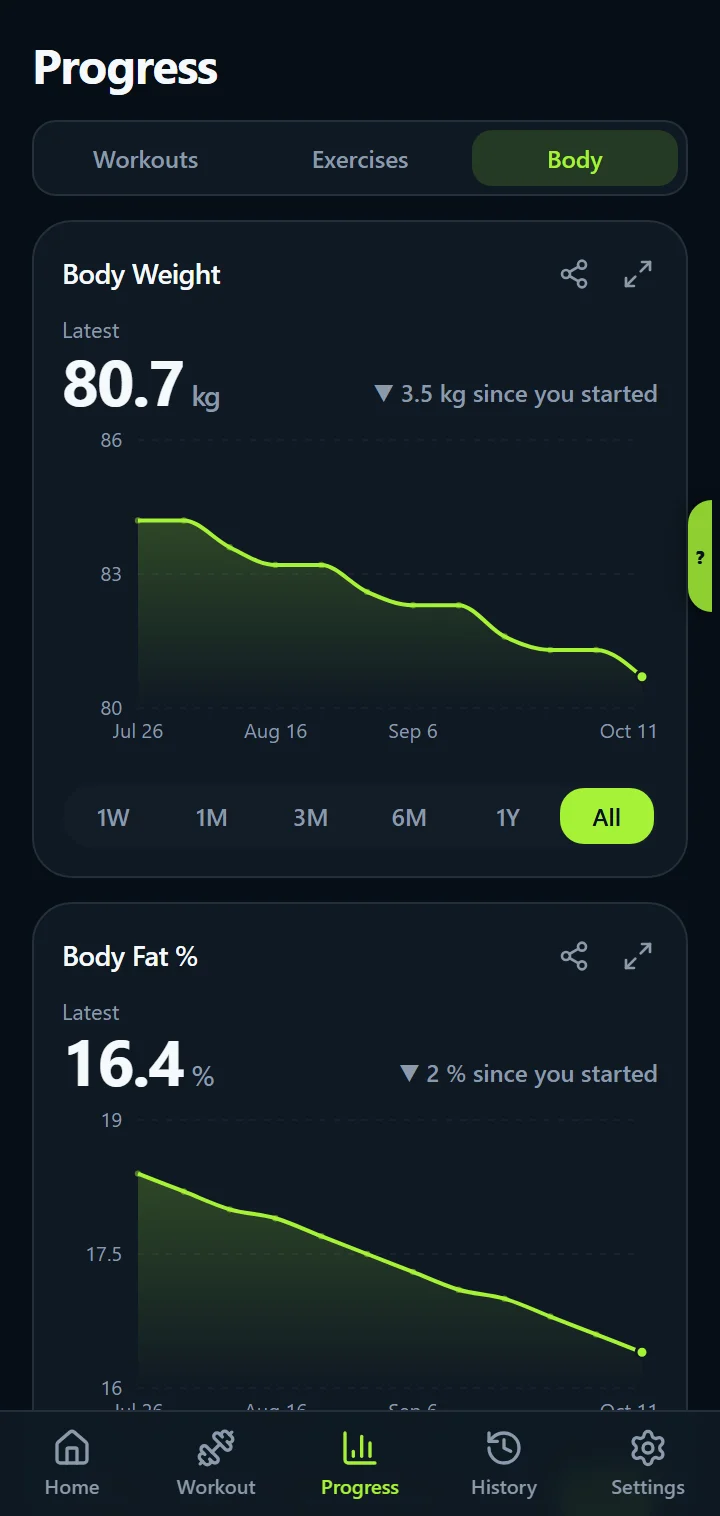
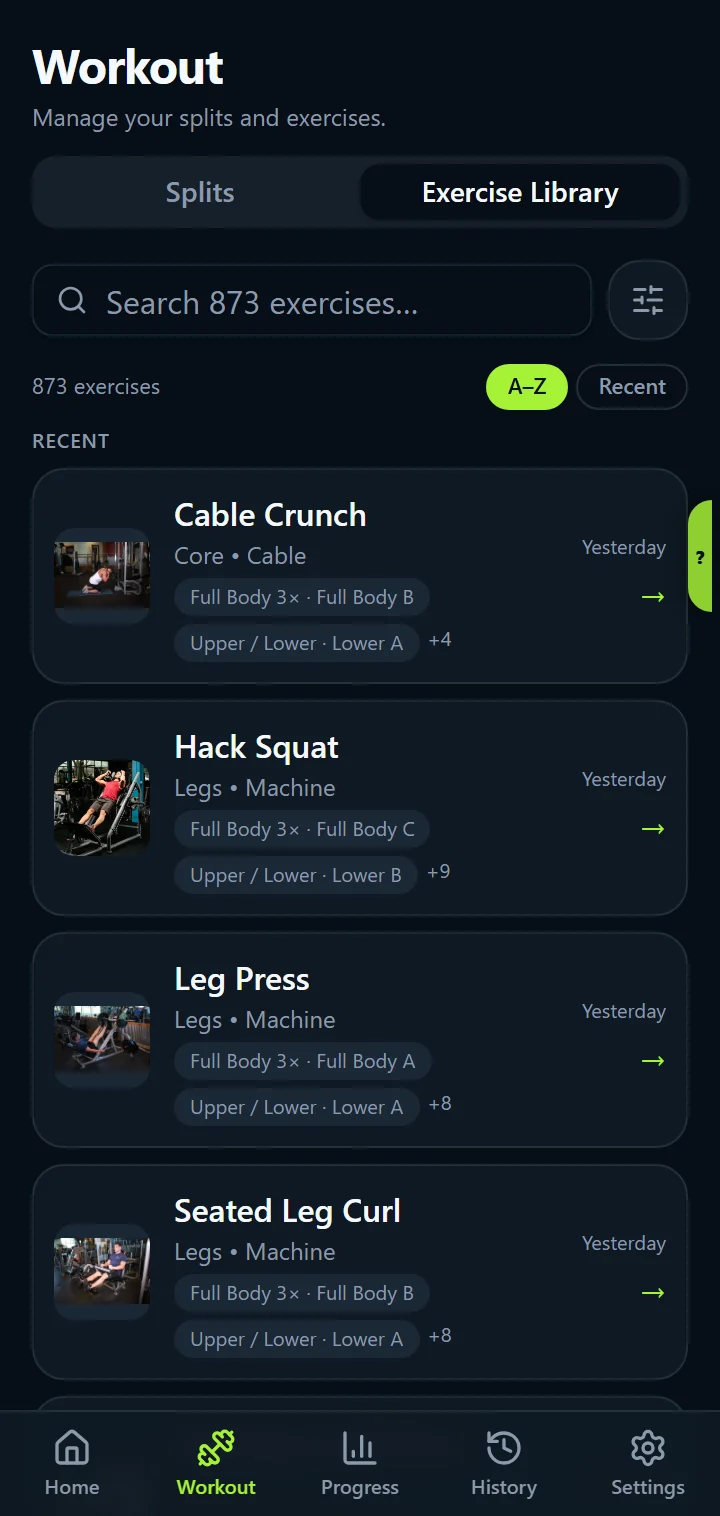
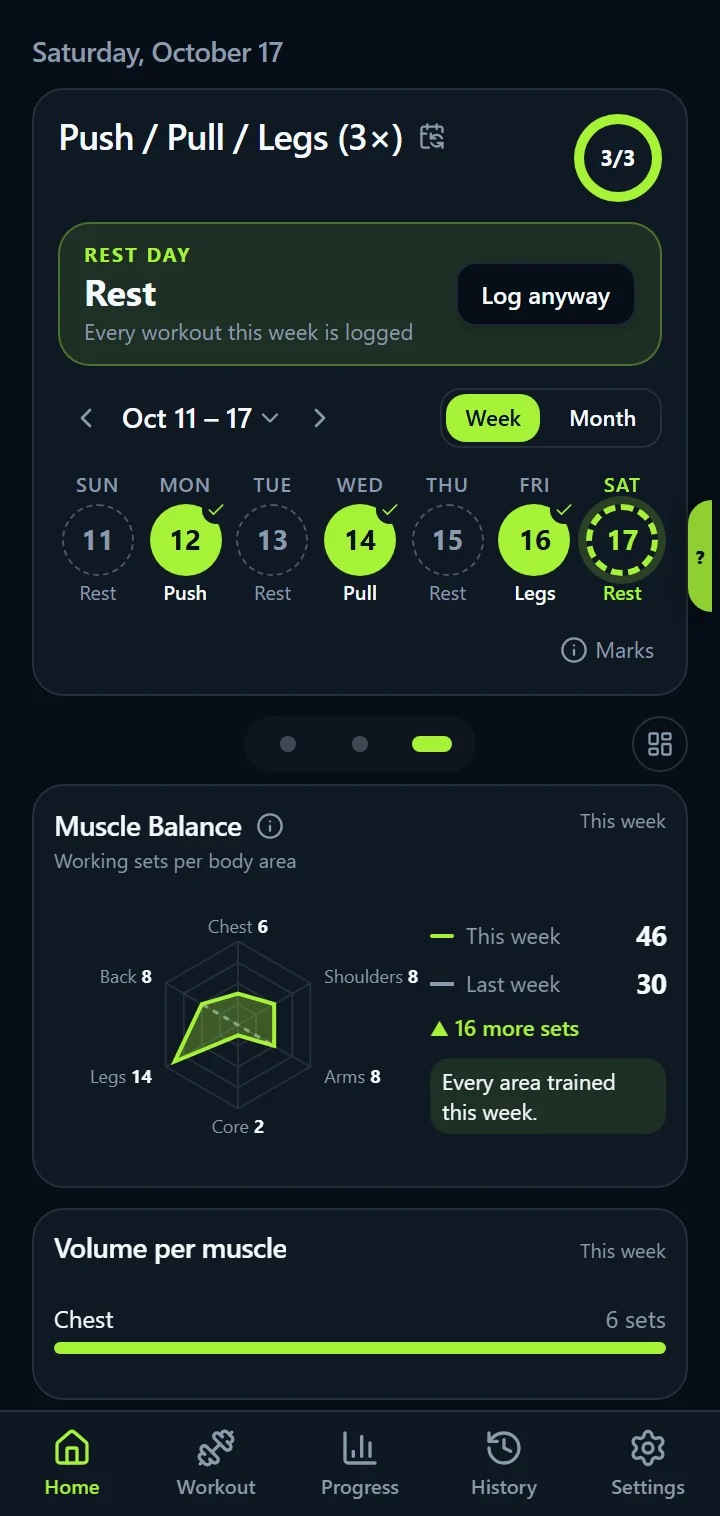
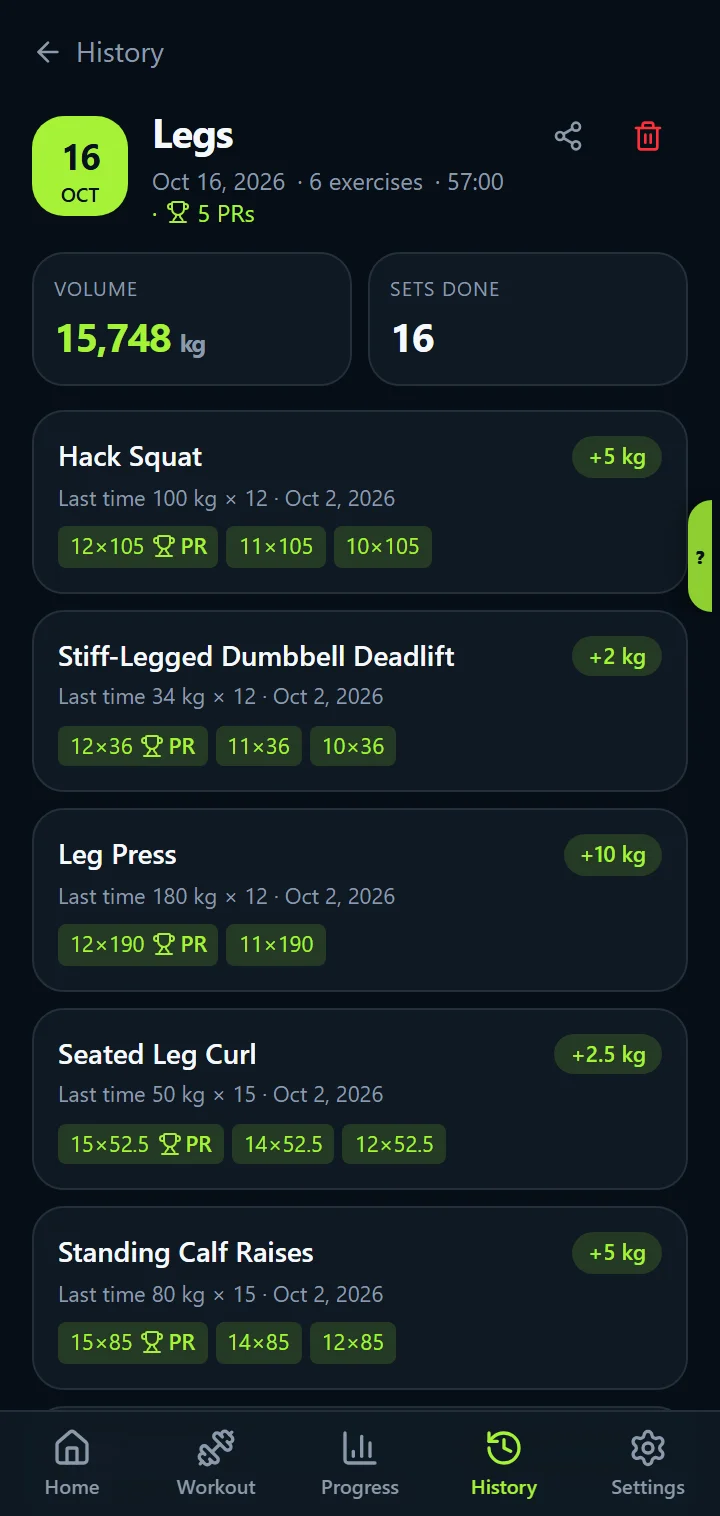
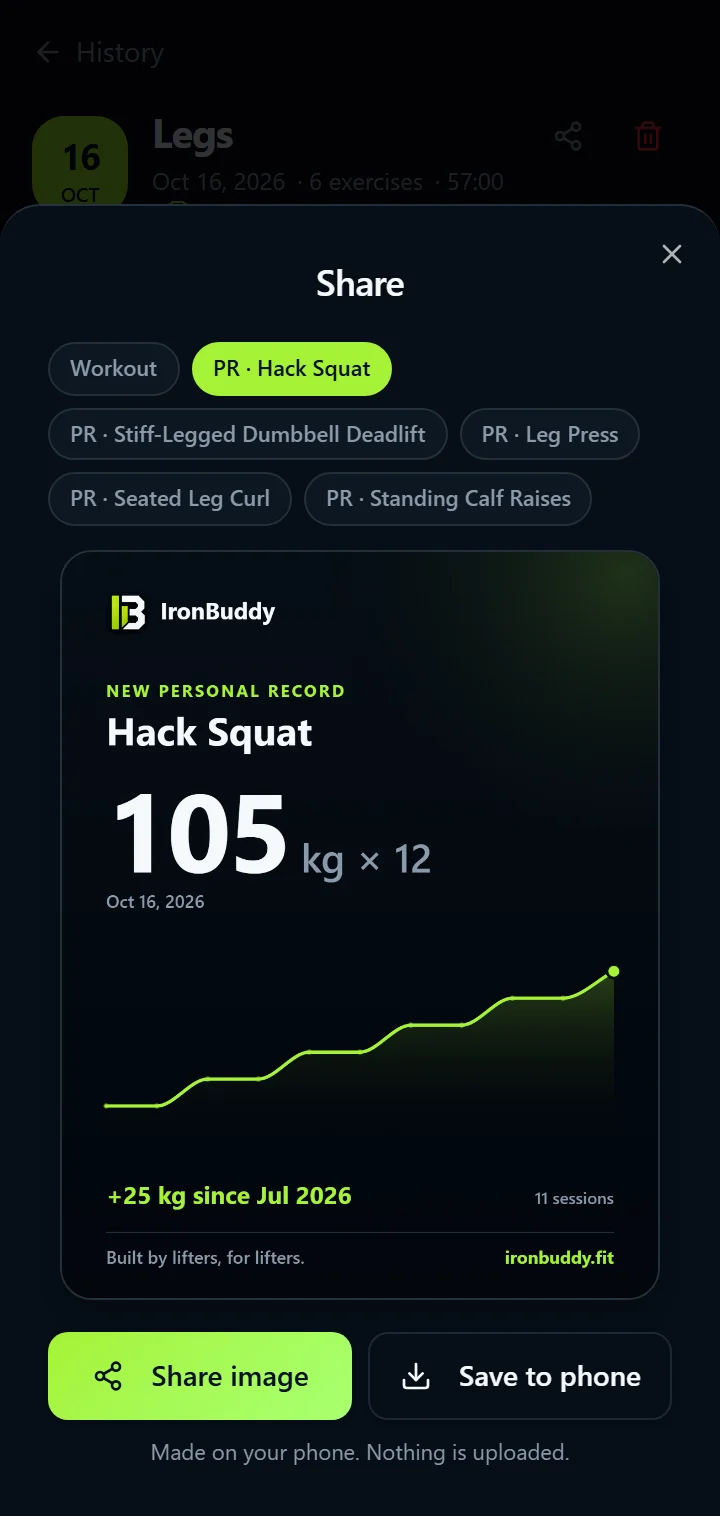
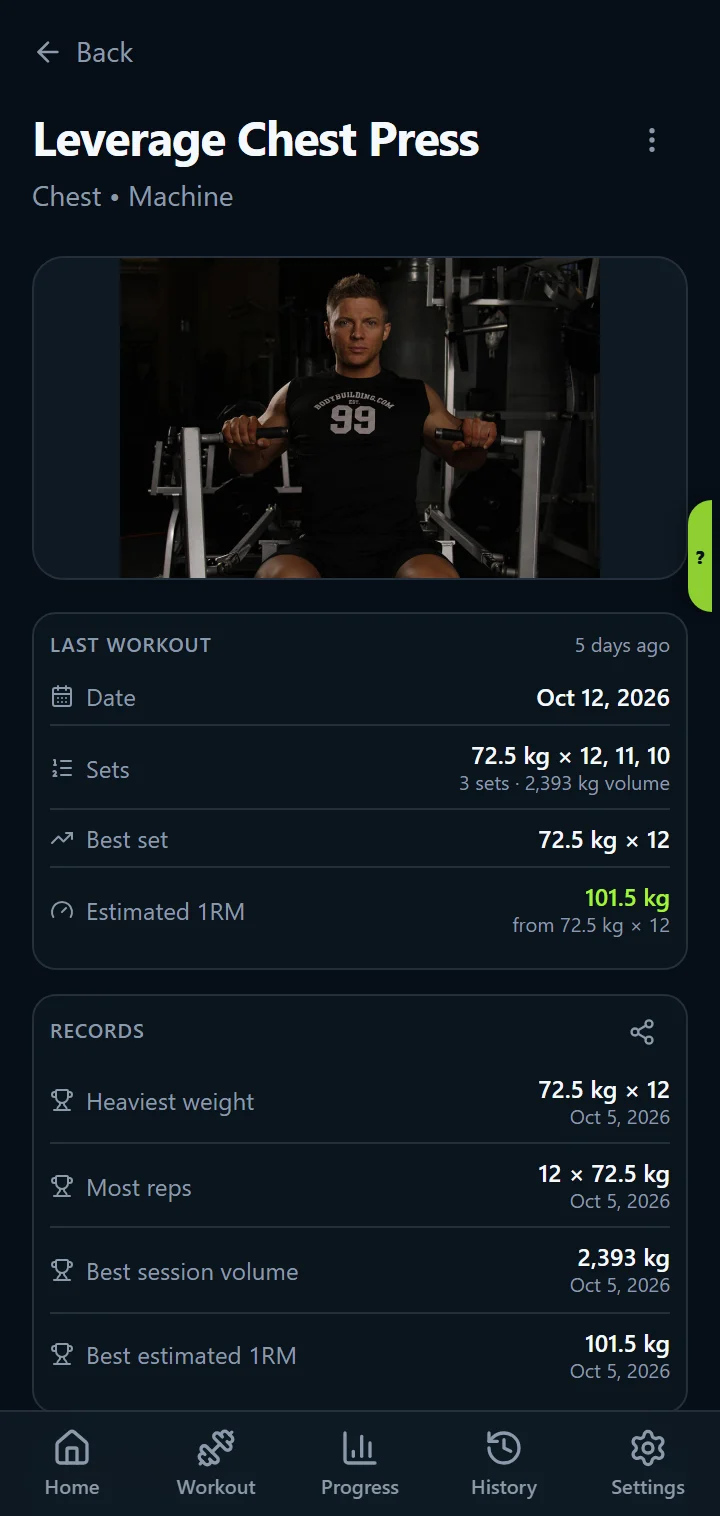
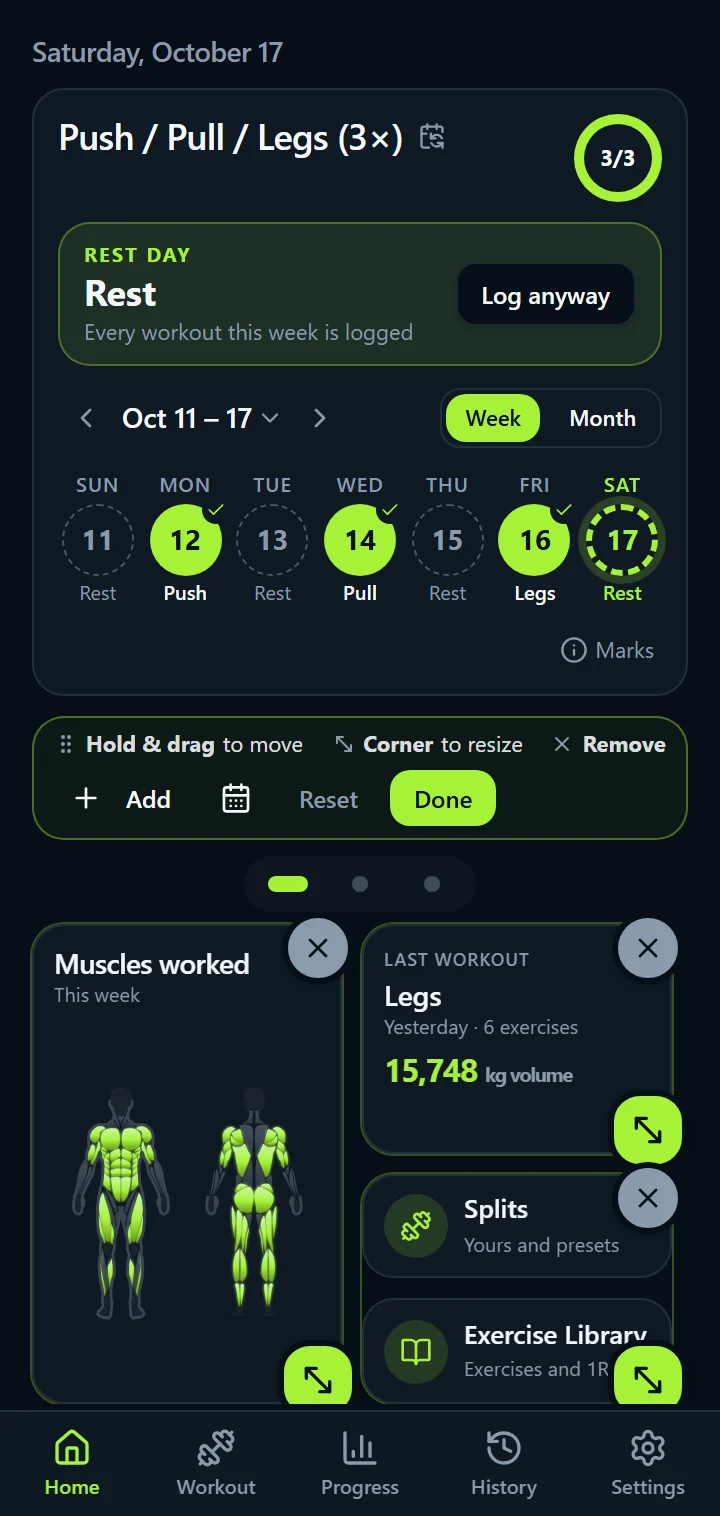
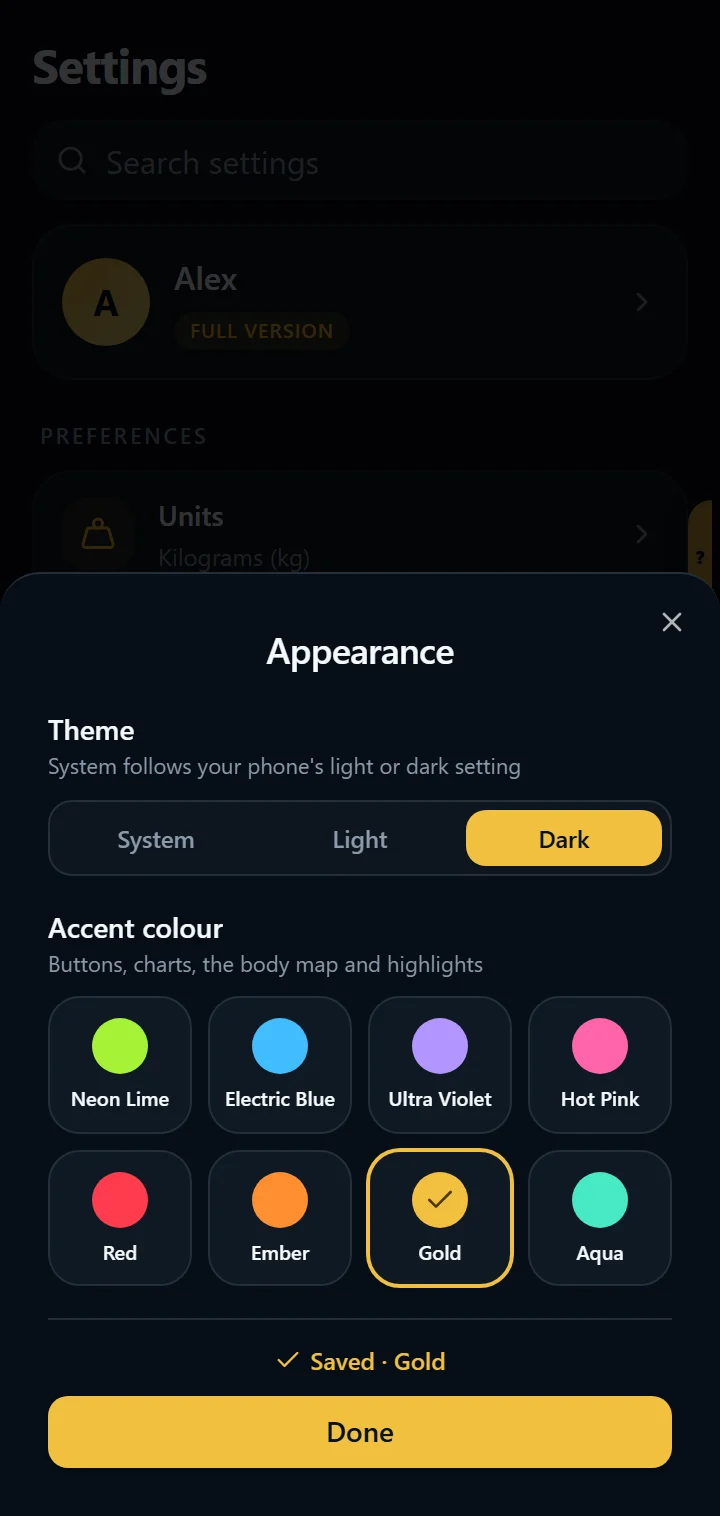
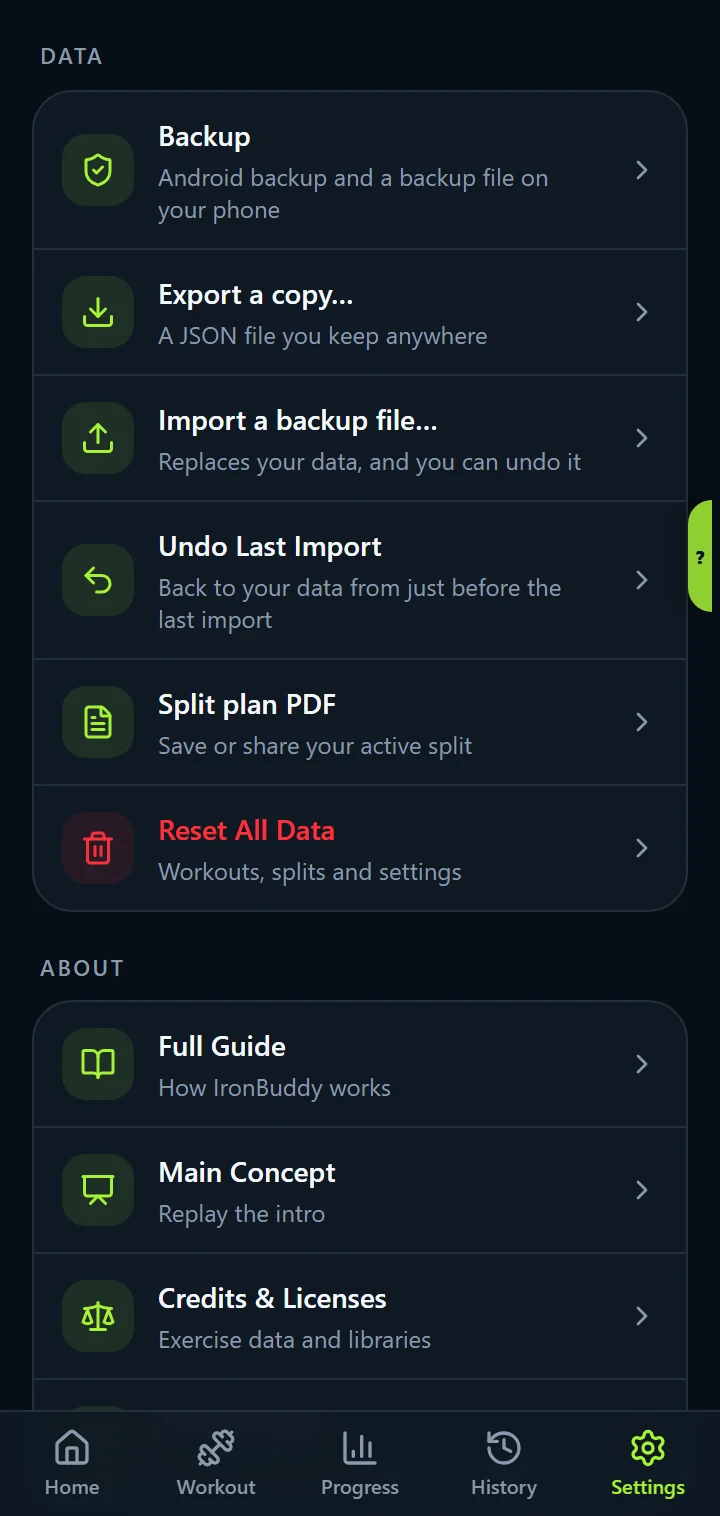
A dark, distraction-free interface designed to stay out of the way while you train.
Compare
Many fitness apps ask for an account, show ads, or charge a monthly fee. IronBuddy is built around your phone instead: offline, private, and paid for once.
| Feature | IronBuddy | Other appsMany other apps |
|---|---|---|
| Works offline | Yes | Varies by app |
| Account required | No | Often required |
| Subscription | None | Common |
| Ads | None | Common in free tiers |
| Where data lives | On your device | Often in the cloud |
IronBuddy's column reflects its privacy policy. Other apps differ, so check each app's Google Play listing before you install.
FAQ
Straight answers about accounts, offline use, ads, pricing, and where your workout data lives.
Yes. IronBuddy is offline-first: you can log workouts, review your history, and browse the exercise library with no internet connection. Your training data is stored on your phone, so there is no server to reach and nothing to sync.
How offline tracking works →No. IronBuddy has no subscriptions. It is free to download and includes a free trial (currently 7 days). After the trial, a one-time in-app purchase of €6.99 through Google Play is required to keep logging and editing after the trial.
How pricing works →No. IronBuddy shows no ads and includes no advertising or third-party analytics SDKs, so nothing interrupts your sets.
Yes. IronBuddy does not create user accounts or require sign-in, so there is no sign-up, email address, or password to manage. It is built so your training log belongs to you: it is stored on your phone, not in a cloud account we control.
On your device. Your workouts, splits, notes, body metrics, and settings are stored in the app's on-device storage, and IronBuddy does not send them to any IronBuddy server. Copies exist only in ways you control or Android provides: in the full version an automatic backup file in your Downloads folder (you can turn it off), Android Auto Backup to your Google account if Google backup is on, and files you export or share.
Privacy in detail →IronBuddy records the numbers progressive overload depends on: sets, reps, and weight for every workout, plus notes. The Progress tab charts your training volume and 1RM (one-rep max), calculated with the Epley formula, over time, from one week to all time, so you can see whether your training is trending up.
A simple method for tracking progressive overload →Download
Free to download with a 7-day free trial. After that, pay €6.99 once to keep it all unlocked, with no subscription. Your workouts are stored on your phone, ready every time you walk into the gym.